
Google Business Profile · Bengaluru
How a 360° Virtual Tour on Google Business Profile (GMB) Helps Bangalore Businesses
Most customers in Bangalore meet your business on Google Maps before they ever meet you. A 360° tour on your Google Business Profile lets them step inside first — here is what that changes, and what it does not.
What is a 360° virtual tour on Google Business Profile?
Google Business Profile — still widely called GMB, from its old name Google My Business — is the listing that appears when someone searches for your business or for businesses like yours on Google Search and Google Maps. It carries your address, hours, reviews and photos.
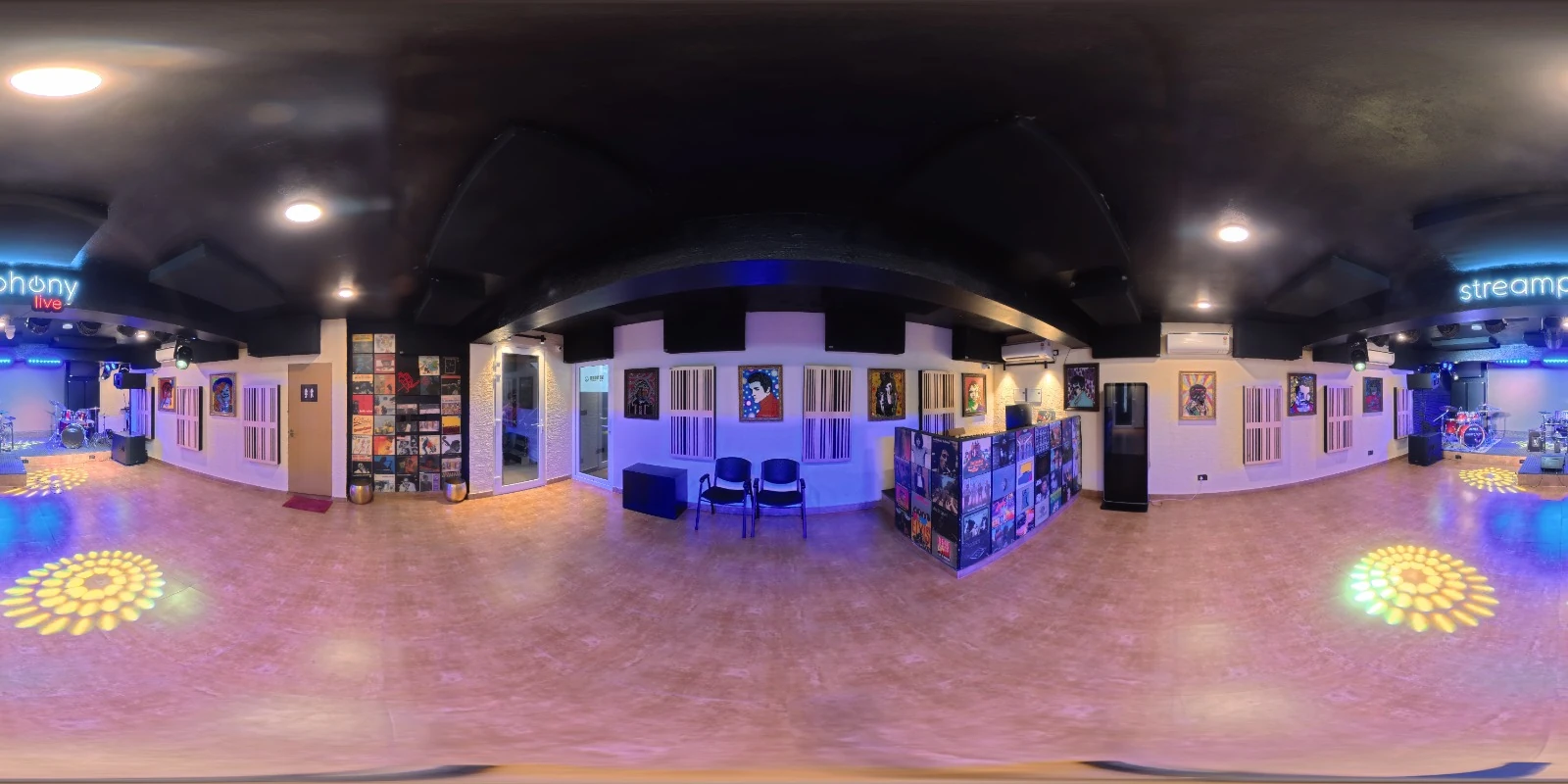
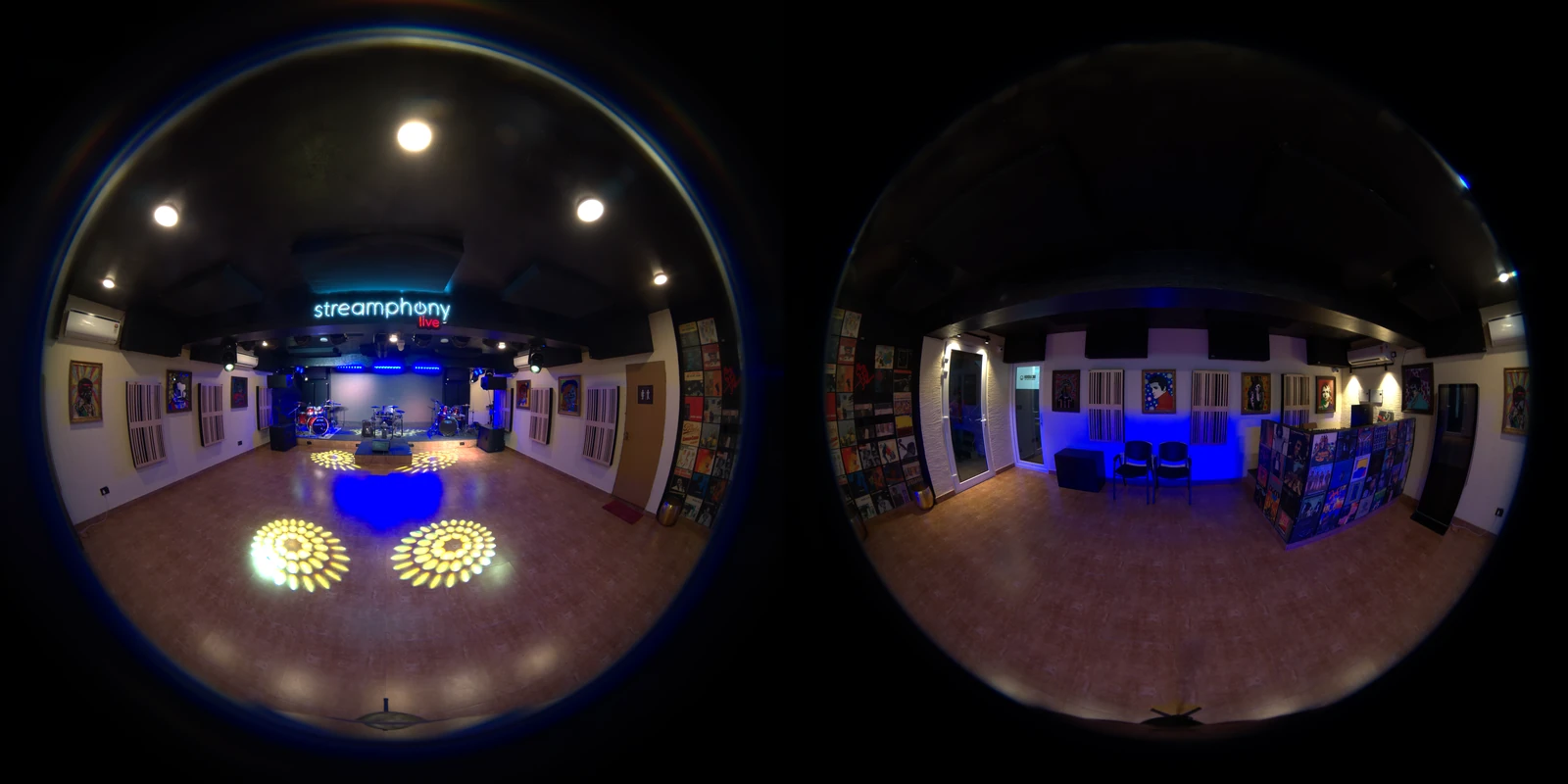
A 360° virtual tour adds connected panoramic images of the inside of your premises to that listing. Instead of scrolling through a handful of flat photos, a visitor can look around your space in every direction and move from one spot to the next, the same way they would in Street View on a road.
Thamco360 captures the panoramas on site, stitches each one into a seamless sphere, and publishes the finished tour to your profile. You can see live examples on our portfolio, which embeds real Google-hosted tours we have published in Bengaluru.
Why it matters for local search in Bangalore
Bangalore is a city of choices. Search for a café in Indiranagar, a co-working space in HSR Layout or a clinic in Jayanagar and Google Maps returns dozens of options within a few hundred metres. The person searching is usually on a phone, often already on the move, and makes a decision in seconds.
In that moment, flat photos leave questions open. Is the place as large as it looks? Is there seating for a group of eight? Is the entrance on the ground floor or up a staircase? Is it quiet enough for a meeting? A 360° tour answers these before the customer has to call, and a customer who has already seen the space arrives with the right expectations.
Six ways a Google Business Profile tour helps your business
1. Trust before the first visit
A real, walkable view of your premises shows that the business exists, looks the way it claims and is cared for. That matters most for first-time customers who have never heard of you.
2. Fewer wasted enquiries
“Do you have parking?”, “Is it suitable for a birthday?”, “Can I see the rooms?” — a tour answers many of these, so the calls and WhatsApp messages you do get come from people who are already a good fit.
3. A more complete profile
Google’s own guidance to businesses is to keep profiles complete and up to date, with accurate information and photos. A tour is one of the richest ways to fill the photo side of that.
4. Standing out from competitors
Many listings in busy Bangalore neighbourhoods rely on a few phone photos or stock images. A professional tour is an immediate visual difference in a crowded Maps result.
5. Wayfinding
Plenty of Bangalore businesses sit on a first floor, down a lane or inside a larger complex. Panoramas of the entrance and approach help customers recognise the building when they arrive.
6. One shoot, every channel
The same tour can be embedded on your website, shared as a link on WhatsApp and posted on social media, so the effort is not limited to Google.
Virtual tour vs photos vs video on your listing
| What the customer needs | 360° virtual tour | Photos | Video |
|---|---|---|---|
| Sense of size and layout | Yes — look in every direction and move between spots | Partial — depends on the lens | Partial — follows the camera’s path |
| Control over what they see | Full — self-guided | Limited to chosen shots | None — fixed edit |
| Entrance and approach | Can be included as its own panorama | Sometimes | Sometimes |
| Reuse on website and WhatsApp | Yes — embed or share a link | Yes | Yes |
Photos and video still belong on your profile — they show food, products and people in a way panoramas do not. The tour is the piece that shows the space itself.
How Thamco360 publishes a tour to your profile
- Plan. We agree which areas to cover and pick a quiet time — before opening, after closing or a low-traffic slot.
- Capture. Our crew deploys within 48 hours of booking. Most commercial spaces under 5,000 sq ft are captured in a single 2-to-4 hour visit.
- Stitch and refine. Every panorama is stitched into a seamless sphere, then exposure and vertical alignment are corrected by hand.
- Publish. The tour goes live on your Google Business Profile, typically within 48 hours of capture, and can be embedded on your website.
You will need a verified Google Business Profile for the business. If you are not sure whether yours is verified, we can check that with you before the shoot.
Getting the most from your tour
- Link to the tour from your website’s home or contact page so visitors from other channels see it too.
- Keep your hours, phone number and categories accurate — a great tour on an out-of-date listing still frustrates customers.
- Reply to reviews. A tour builds trust; responses show the business behind it is active.
- Reshoot after a renovation or a major layout change so what customers see matches what they find.
Looking at a specific neighbourhood? See our page on 360° virtual tours in Indiranagar.
Frequently asked questions
Does a 360° virtual tour improve my Google Maps ranking?
Google does not publish a direct ranking boost for 360° imagery. What a tour does is make your Google Business Profile more complete and more engaging, which helps customers choose you once they find you. Google recommends complete, accurate and up-to-date profiles for local visibility.
Where does the virtual tour appear on Google?
The tour is attached to your Google Business Profile, so it opens from your listing on Google Search and Google Maps, alongside your photos, reviews and business details.
Do I need a verified Google Business Profile?
Yes. The tour is linked to your business listing, so the profile should be verified. Thamco360 can check your profile status with you before the shoot.
How much does a Google 360° virtual tour cost in Bangalore?
Thamco360 virtual tour packages generally range from ₹5,000 to ₹35,000+, depending on the size of the space, the number of scan points and whether you also want a website embed or custom 3D features.
Can I use the same tour on my website?
Yes. The published tour can be embedded on your website and shared as a link on WhatsApp and social media, so one shoot serves every channel.
Related guides
 Restaurants & Cafés
360° Virtual Tours for Restaurants, Cafés and Pubs in Bangalore
How Bangalore restaurants, cafés and pubs use 360° tours on Google Maps to show ambience, seating and private dining — and turn searches into bookings. Co-working & Offices
Virtual Tours for Co-working Spaces and Offices in Bangalore
How co-working operators and office landlords in Koramangala, HSR Layout, Whitefield and ORR use 360° virtual tours to fill desks and lease space faster. Resorts & Hotels